d1a7c9e82f
Four UX bugs reported on the new country map chart:

1. **"Country: cannot be empty" stuck on the Data tab even at Admin 0.**
   The Country control had a hard `validators: [validateNonEmpty]`, but
   it's only rendered (and only meaningful) when admin_level != 0 and no
   composite is set. The validator was firing for the hidden empty value
   and trapped the user — the Update Chart button was permanently
   disabled with no visible control to satisfy. Switched to a dynamic
   validator via mapStateToProps so it only fires when the field is
   actually needed.

2. **"Aggregated regions" threw TypeError: t.map is not a function.**
   The region_set control used `choices: ({ controls }) => ...`, but
   SelectControl's `choices` must be a literal array. Moved the
   country-dependent choice computation into `mapStateToProps` (same
   pattern other plugins use).

3. **Composite map always visible and "sticky" overriding admin_level.**
   At Admin 0 (world choropleth) the composite override produced a map
   that didn't change when you toggled admin_level. Hidden composite
   control at Admin 0 entirely, and hidden it whenever the build
   pipeline didn't emit any composites — leaves room for future
   per-country scoping (e.g. only show france_overseas when country=FRA).

4. **Show flying islands checkbox was a no-op.** The build pipeline
   doesn't currently tag features as flying, so the runtime drop logic
   had nothing to act on. Removed from the control set rather than ship
   a misleading control; a single line brings it back once the build
   tags features.

Tests updated to cover all four behaviors.

Co-Authored-By: Claude Opus 4.7 <noreply@anthropic.com>
Superset













A modern, enterprise-ready business intelligence web application.
Documentation
- User Guide — For analysts and business users. Explore data, build charts, create dashboards, and connect databases.
- Administrator Guide — Install, configure, and operate Superset. Covers security, scaling, and database drivers.
- Developer Guide — Contribute to Superset or build on its REST API and extension framework.
Why Superset? | Supported Databases | Release Notes | Get Involved | Resources | Organizations Using Superset
Why Superset?
Superset is a modern data exploration and data visualization platform. Superset can replace or augment proprietary business intelligence tools for many teams. Superset integrates well with a variety of data sources.
Superset provides:
- A no-code interface for building charts quickly
- A powerful, web-based SQL Editor for advanced querying
- A lightweight semantic layer for quickly defining custom dimensions and metrics
- Out of the box support for nearly any SQL database or data engine
- A wide array of beautiful visualizations to showcase your data, ranging from simple bar charts to geospatial visualizations
- Lightweight, configurable caching layer to help ease database load
- Highly extensible security roles and authentication options
- An API for programmatic customization
- A cloud-native architecture designed from the ground up for scale
Screenshots & Gifs
Video Overview
Large Gallery of Visualizations

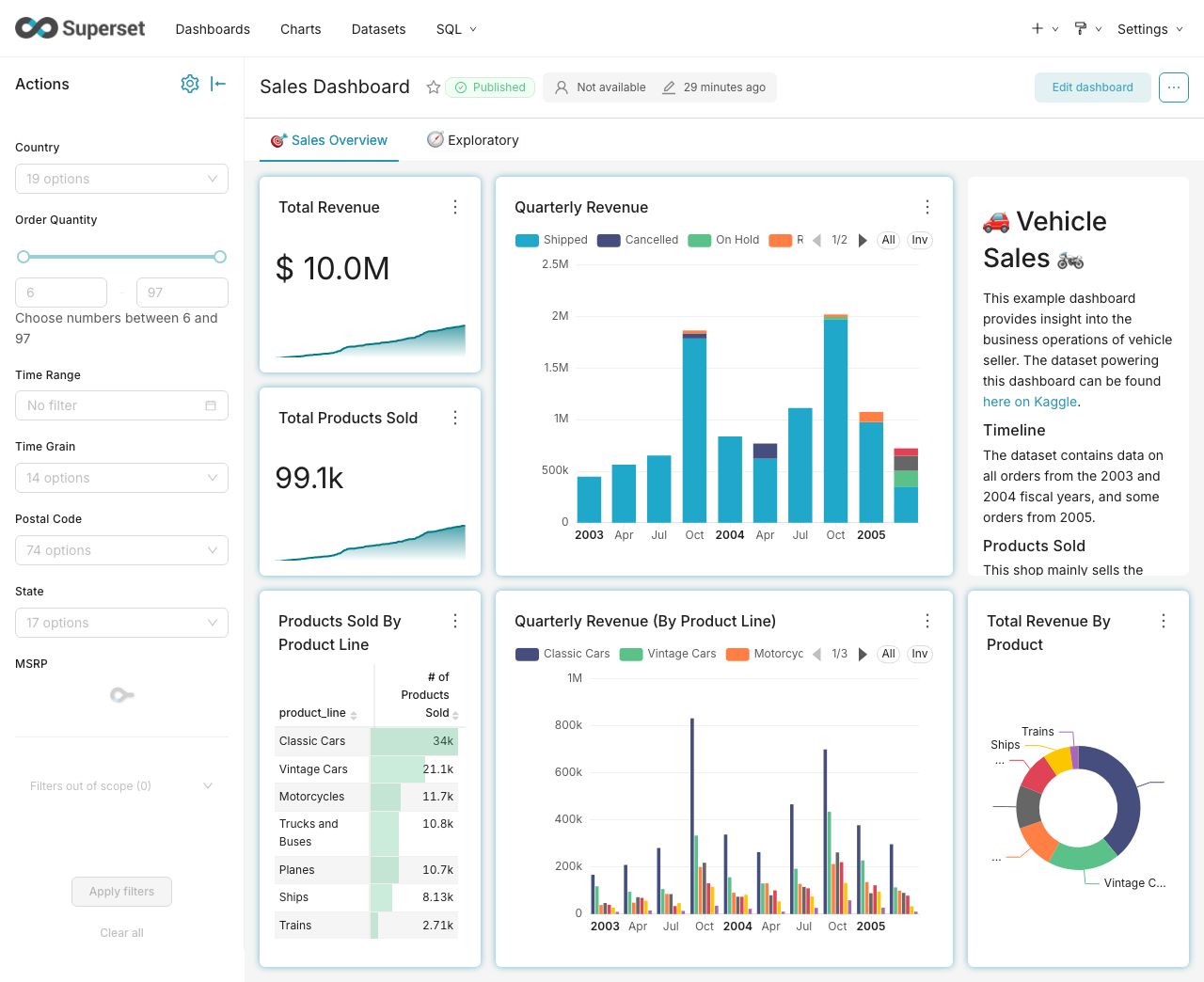
Craft Beautiful, Dynamic Dashboards
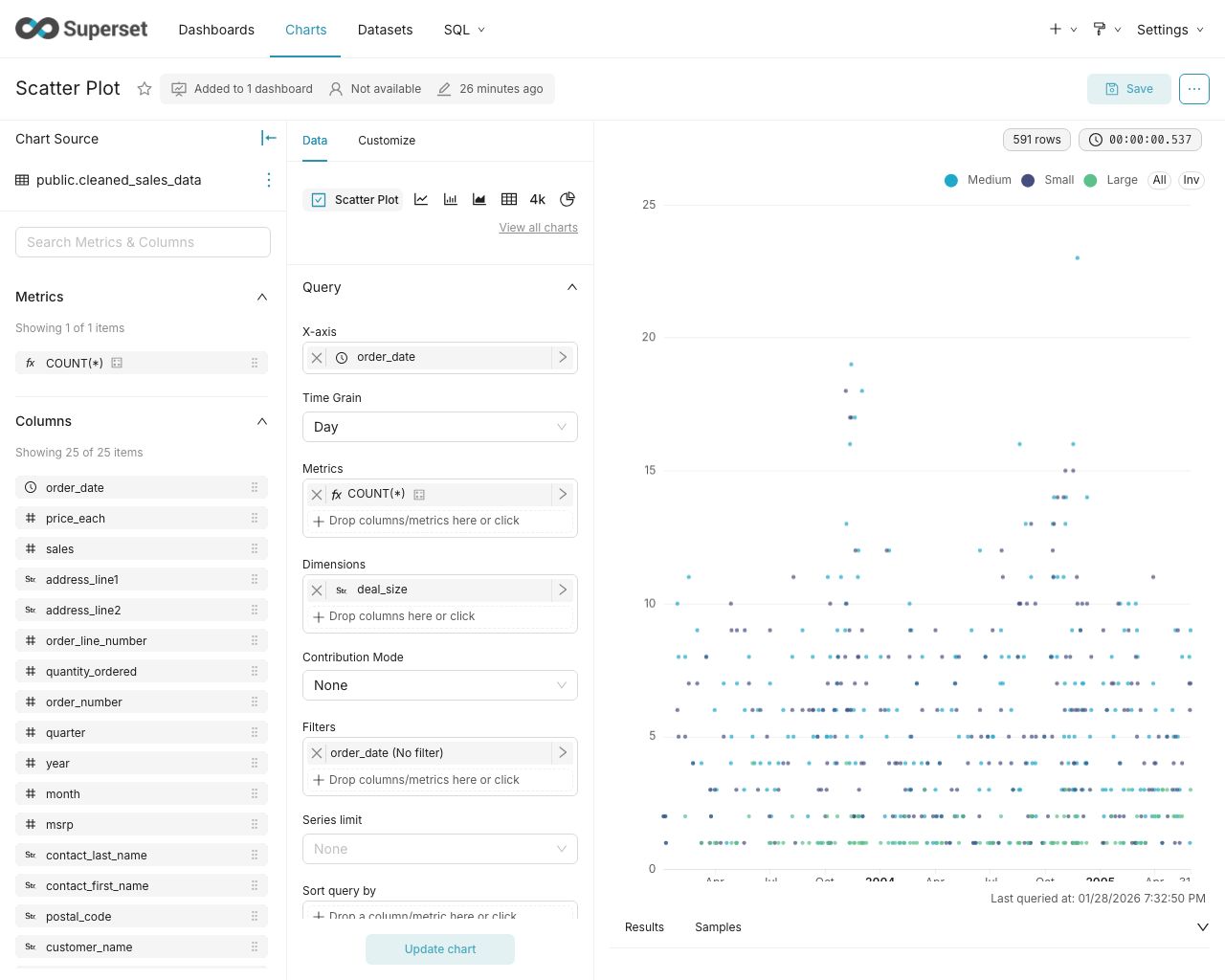
No-Code Chart Builder
Powerful SQL Editor

Supported Databases
Superset can query data from any SQL-speaking datastore or data engine (Presto, Trino, Athena, and more) that has a Python DB-API driver and a SQLAlchemy dialect.
Here are some of the major database solutions that are supported:





A more comprehensive list of supported databases along with the configuration instructions can be found here.
Want to add support for your datastore or data engine? Read more here about the technical requirements.
Installation and Configuration
Try out Superset's quickstart guide or learn about the options for production deployments.
Get Involved
- Ask and answer questions on StackOverflow using the apache-superset tag
- Join our community's Slack and please read our Slack Community Guidelines
- Join our dev@superset.apache.org Mailing list. To join, simply send an email to dev-subscribe@superset.apache.org
- If you want to help troubleshoot GitHub Issues involving the numerous database drivers that Superset supports, please consider adding your name and the databases you have access to on the Superset Database Familiarity Rolodex
- Join Superset's Town Hall and Operational Model recurring meetings. Meeting info is available on the Superset Community Calendar
Contributor Guide
Interested in contributing? Check out our Developer Guide to find resources around contributing along with a detailed guide on how to set up a development environment.
Resources
- Superset "In the Wild" - see who's using Superset, and add your organization to the list!
- Feature Flags - the status of Superset's Feature Flags.
- Standard Roles - How RBAC permissions map to roles.
- Superset Wiki - Tons of additional community resources: best practices, community content and other information.
- Superset SIPs - The status of Superset's SIPs (Superset Improvement Proposals) for both consensus and implementation status.
Understanding the Superset Points of View
-
Getting Started with Superset
-
Deploying Superset
-
Recordings of Past Superset Community Events
-
Visualizations
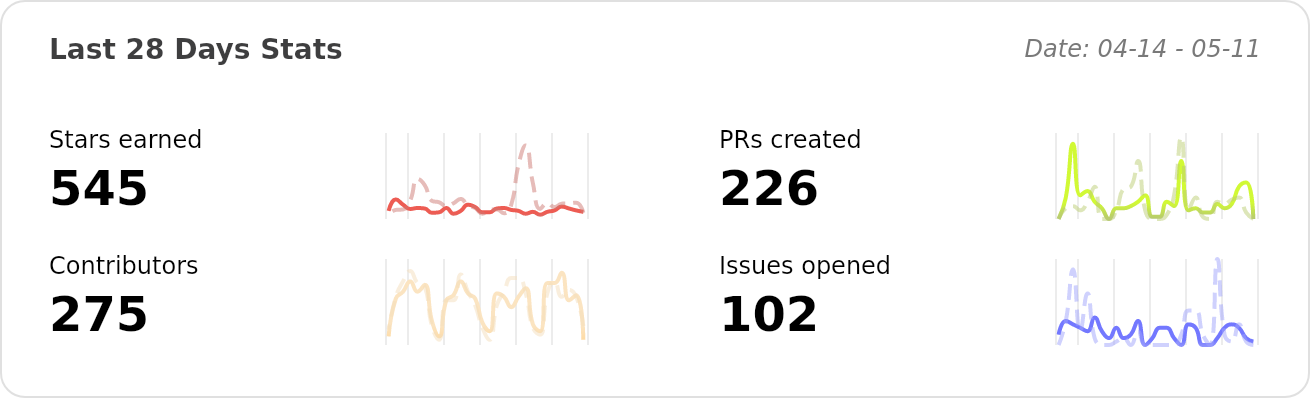
Repo Activity